
Self-service clusters
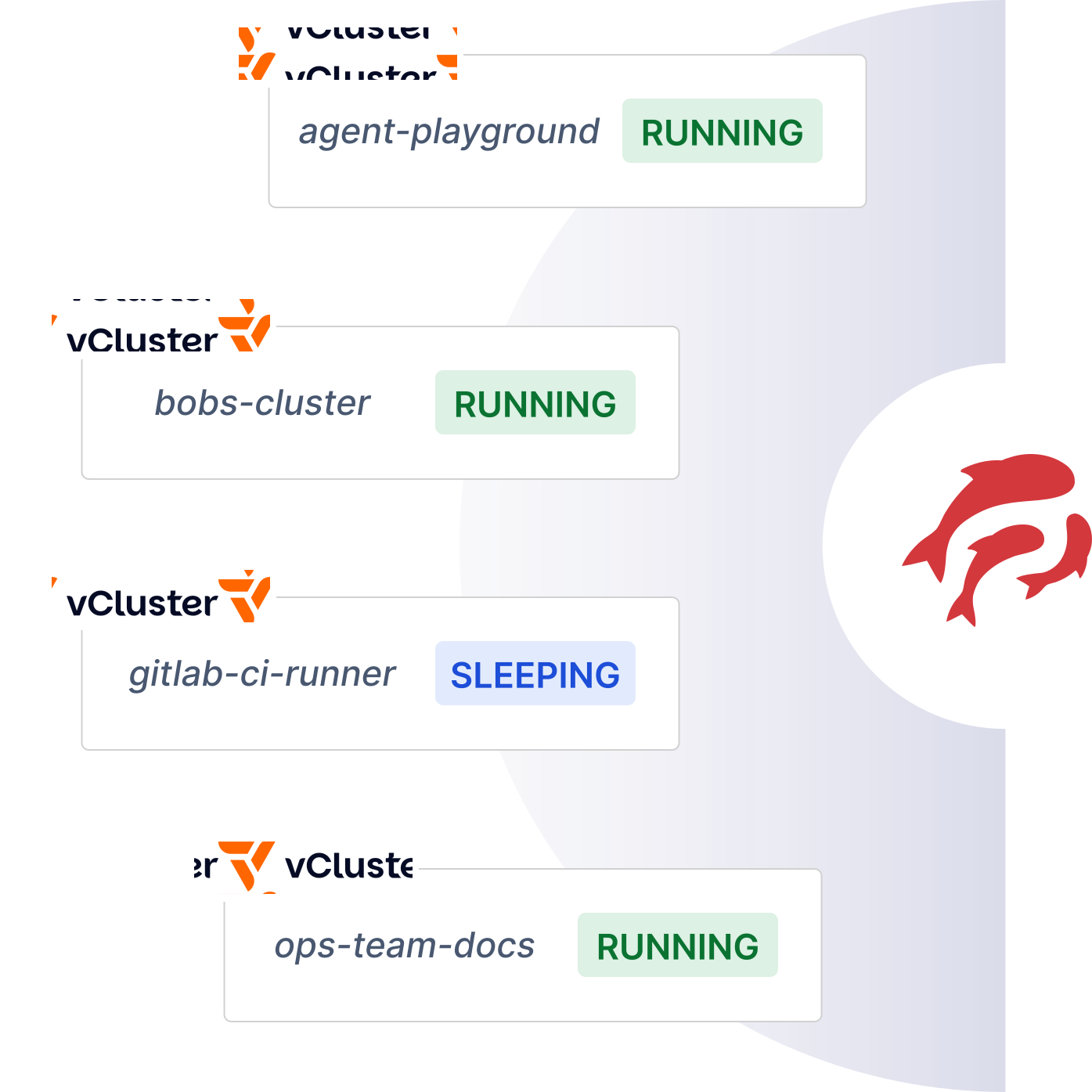
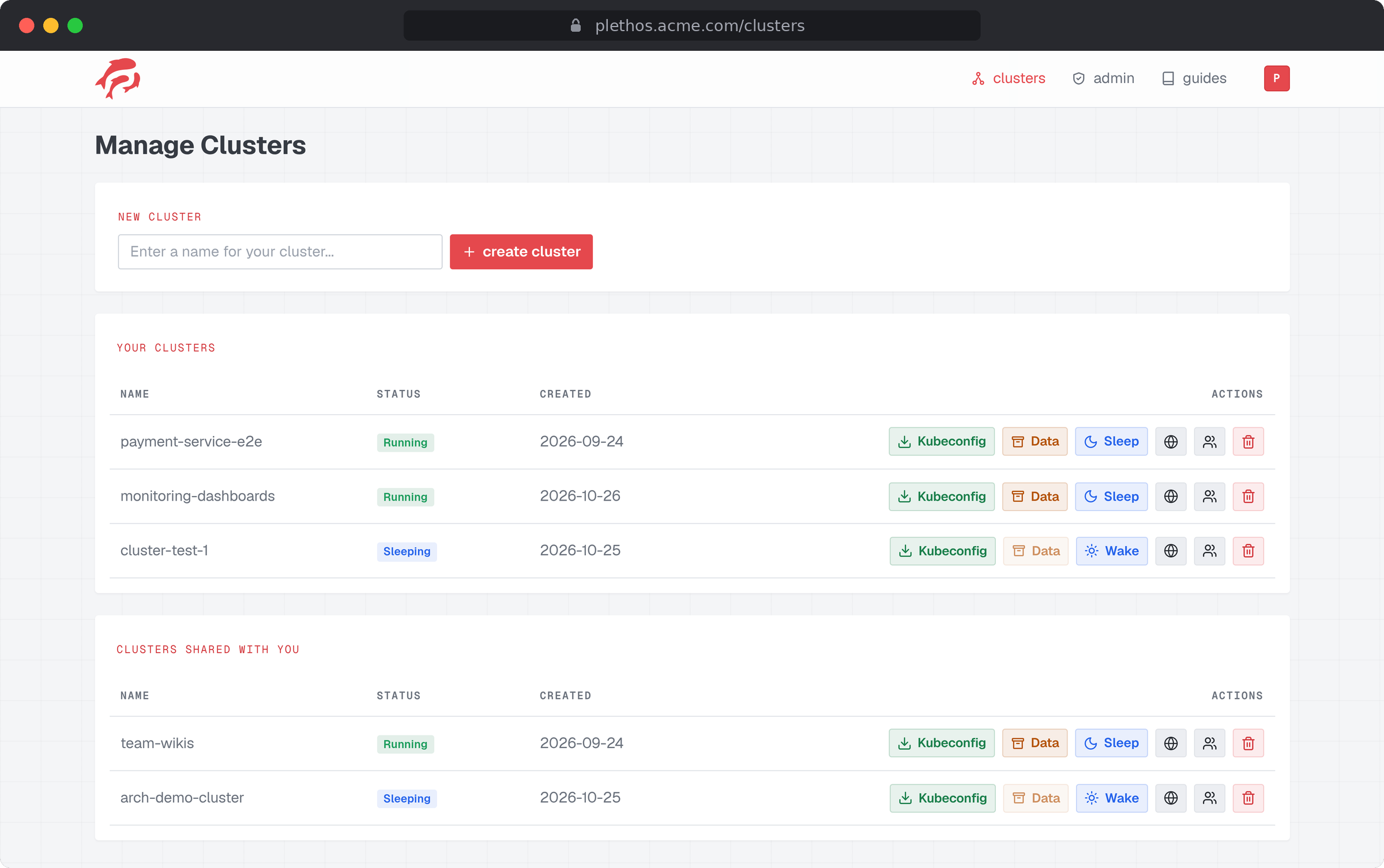
Enter a name and get a virtual cluster with a downloadable kubeconfig. No ticket or admin approval needed.
Self-service clusters
Enter a name and get a virtual cluster with a downloadable kubeconfig. No ticket or admin approval needed.
Isolated tenants
Each vCluster has its own Kubernetes API server. Users are cluster-admin inside theirs and have no access to anyone else’s.
One host cluster
You only operate a single host cluster. Unused vClusters can be put to sleep and are deleted automatically after an email warning.
Sleep, wake and share
Pause a vCluster, wake it later or invite other users to work on it as well.
Publicly exposed apps
Expose an HTTP app from any vCluster under its own subdomain.
OIDC login
Users can sign in with your organization’s existing OIDC identity provider.
Click the image to see it in full resolution.
Plethos grew out of a thesis at the Munich University of Applied Sciences  , which reimplemented a tool previously used there internally. It was built specifically to be open-source so other organizations can benefit from it as well.
Interested in how Plethos works or want to contribute to it?
Visit on CodebergPlethos is mainly for small to medium-sized organizations that want to give people their own Kubernetes cluster without running a physical cluster for each of them. Typical cases:
| Namespaces | vClusters (Plethos) | Separate clusters | |
|---|---|---|---|
| Own API server and CRDs | No | Yes | Yes |
| Cluster-admin for the tenant | No | Yes | Yes |
| Own nodes and kernel | No | No | Yes |
| Isolation | Lowest | High | Highest |
| Cost and effort | Lowest | Low | Highest |
Plethos can be deployed with the official Helm chart. The basic steps are:
# Write your custom configution into the `values.yaml` file, starting from the chart's defaultshelm show values oci://codeberg.org/hmcloudlabs/plethos --version <version> > values.yaml
# Create the necessary secrets the portal neeedskubectl create secret generic plethos-portal-secrets -n plethos \  --from-literal=PORTAL_SESSION_SECRET="$(openssl rand -hex 32)" \  --from-literal=CSRF_TOKEN_SECRET="$(openssl rand -hex 32)" \  --from-literal=OIDC_CLIENT_SECRET="<your OIDC client secret>" \  --from-literal=SMTP_USERNAME="<your SMTP username>" \  --from-literal=SMTP_PASSWORD="<your SMTP password>"
# Install the Plethos Helm Charthelm install plethos oci://codeberg.org/hmcloudlabs/plethos --version <version> \ --namespace plethos \ -f values.yamlsupportedVclusterVersions: "0.35.0"
vClusterApiBaseDomain: ""exposedAppsBaseDomain: ""
portal:image: repository: codeberg.org/hmcloudlabs/plethos-portal tag: "" pullPolicy: IfNotPresent
replicas: 1
secretName: ""
ingress: enabled: true className: "" host: plethos.example.com
baseUrl: "http://localhost:8000"
settings: adminEmails: "admin@example.com" maxVclustersPerUser: 5 maxTeamSize: 5
oidc: issuer: "" clientId: plethos-portal
supportEmail: "support@example.com"
smtp: host: "" port: 1025 fromAddress: "plethos@example.com"
controller:image: repository: codeberg.org/hmcloudlabs/plethos-controller tag: "" pullPolicy: IfNotPresent
replicas: 1
ingressNamespace: ingress-nginxingressControllerIpRanges: []
reconciliationInterval: 10800 # 3hrstransitionalReconciliationInterval: 10
notifier:schedule: "0 3 * * *"
nameOverride: ""fullnameOverride: ""See Deploying Plethos for the full documentation.